Well, the box says "unbox, plug in, press go." I've set up enough robot vacuums over the last four years to know that's a fantasy. I've got a husky and a lab that shed a combined extra dog per week, so my first run usually involves untangling a bot from a charging cord and resetting the Wi-Fi three times.
I've been living with this Tikom model for over a year now, and I've helped friends set up everything from a $1099.99 bouncy bot to a self-emptying mid-tier unit.
Here's how to get through that first run without wanting to drive the thing around like an RC car.
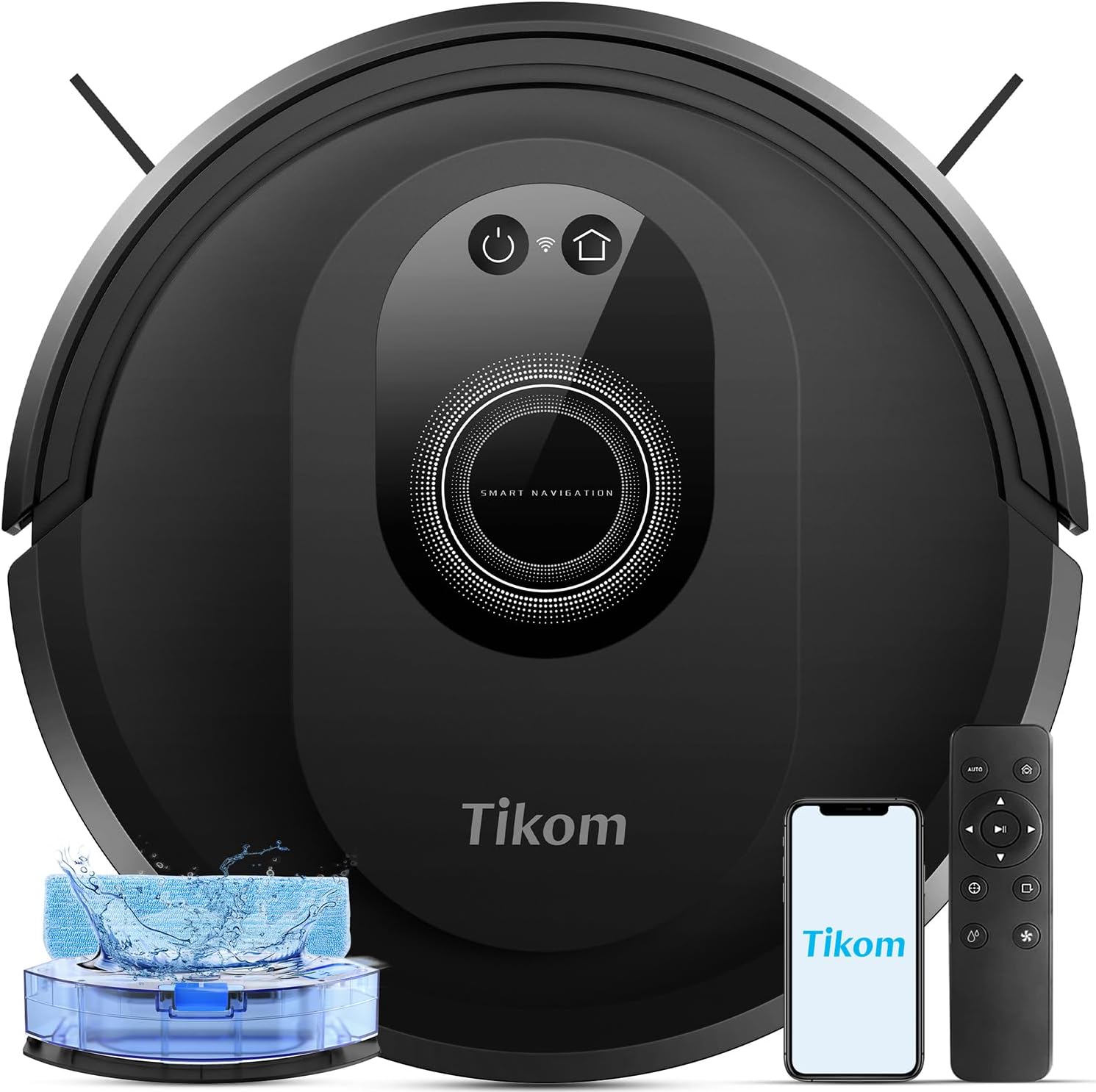
- Tikom Robot Vacuum and Mop Combo, 5000Pa Robotic Vacuum Cleaner, 150 Min Max,...
LiDAR navigation, app no-go zones, handles two-dog hair, always finds the dock
Mopping is light-duty only
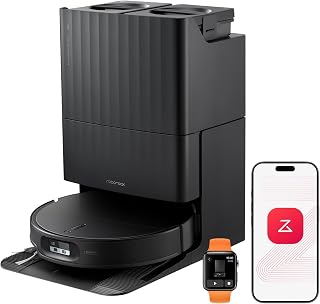
- roborock Qrevo Edge 2 Robot Vacuum and Mop, 25,000Pa, 3.14'' Ultra-Slim |...
Top-tier suction and mapping
Price is beyond my usual range
Prices and availability were captured from Amazon Creators API and may change.
I know everyone wants to download the app first and play with the map. Don't. The single most important thing is where the dock lives. I learned this the hard way with my first bot, which wedged itself under my sofa table every single run because the dock was too close to the legs.
Find a spot with about 3 feet of clear space on either side of the dock, and at least 5 feet in front of it. You want the bot to have a straight shot home. My G8000 Max lives in the corner of the living room, and it finds the dock from the back bedroom every time. If I put it behind the TV stand, it would get confused and I'd be pulling it out by hand twice a week.
Plug the dock in, set the bot on it, and let it charge fully before the first run. The manual says 4 hours. I've found that's actually accurate. A partially charged bot will die mid-run and then you're carrying it back to the dock like a wet dog.
Clear the Floor Like You Mean It
The biggest mistake I see from friends setting up a new bot is they skip the floor prep. They think the whole point is that the bot handles the mess. It does, but only after you've handled the stuff that kills bots.
I'm talking cords, rug tassels, and low furniture. My lab Gus likes to drag his rope toy around and leave it in the middle of the hallway. That toy has stopped my G8000 Max cold more times than I can count. The bot's sensors don't see thin cords or fabric. It will eat a phone charger cable and then shut off with an error I have to look up in the app.
Walk through each room and pick up anything smaller than your fist that's on the floor. Move dining chairs up onto the table if you can. My ranch has a breakfast nook with chairs that have a low crossbar, and the G8000 Max clears it maybe half the time. The other half, it gets stuck and I have to rescue it.
Set your expectations honestly: the first run is about teaching the bot where the furniture is, not getting a perfect clean. Even with LiDAR navigation, the first mapping pass is slower. My G8000 Max took about 40 minutes to map my main level the first time. Now it does the same space in 25.
The Tuya App Setup Is Easier Than You Think
I use the Tuya app for my G8000 Max. It gets a bad rap in some circles, but it works. You'll need your 2.4GHz Wi-Fi network, not the 5GHz one. That trips up more people than anything else. If your phone connects to the 5GHz band, the bot won't find it. I had to dig into my router settings to create a separate 2.4GHz network just for the bot.
Once it's paired, spend 5 minutes setting up no-go zones before the first run. This is the feature I use more than any other. I've fenced off the area under my sofa table where my old bot used to wedge itself. The G8000 Max doesn't have that problem, but the no-go zone is a safety net.
You can also set the suction level. For the first run, use the standard or quiet mode. You want the bot to focus on mapping, not on maximum suction. I run mine on standard for daily cleaning and only kick it to 5000Pa max mode when Koda's spring shed is at its worst.
First Run: Watch It, Then Let It Go
I always tell people to watch the first 10 minutes of the first run. Not because you need to supervise, but because you'll learn where the problem spots are. The bot will approach a cord or a rug transition and you'll see how it handles it. If it bumps into something twice, that's a sign you need to move that thing or fence it off.
My G8000 Max bumped into the same chair leg three times during its first run. I moved the chair two inches and it never happened again. That's the kind of fine-tuning you can't do from the app.
After the first 10 minutes, leave it alone. Go make coffee. Check on it in 30 minutes. The bot will pause and return to the dock if it needs to recharge, then resume where it left off. That resume function is huge. My old random-navigation bot would just die and sit there until I found it.
One thing that surprised me: the G8000 Max cleans in neat rows, place by place, until it visits every spot. It doesn't zig zag silly like my first $90 bot. It moves with purpose. That's the LiDAR difference, and it's worth twice the price.
The Mopping Question
Here's where I have to be honest. The mopping function on any robot in this price range is light maintenance, not cleaning. My G8000 Max has a water tank and a mop cloth, and it handles footprints and light dust on my tile kitchen floor. It does not handle dried-on stains or sticky spills. I've tested it. It smears.
If you're setting up a bot for the first time, don't expect mopping to replace your Swiffer. Use it on vacuum-plus-mop days for a quick pass, and accept that you'll still be on your hands and knees for the tough spots. The one advantage is that the mop pad is washable. I rinse mine out after every few runs, and it holds up fine.
The water tank on the G8000 Max covers about 50 square meters at high dosing. That's less than my main level, so I refill it mid-run sometimes. For the Eufy 11S MAX, there's no mopping at all. It's a vacuum-only bot. If you want mopping, skip it.
What to Do When It Gets Stuck
Every bot gets stuck eventually. The difference is how often and how easy it is to fix. My G8000 Max gets stuck maybe once every 10 runs, usually on a rug transition or a cord I forgot to pick up. The app sends a notification with a picture, and I can go rescue it.
My old ROPVACNIC got stuck on everything. Cords, low furniture, the same spot under the sofa table every single time. The crash sensor would shut it off entirely. I'd pull it out, reset it, and it would go right back to the same spot. That's the random navigation curse.
If your bot gets stuck during the first run, don't panic. Move the obstacle, put the bot back on the floor, and let it continue. Most bots will resume from where they left off. If it gets stuck on the same cord twice, that's a design flaw, not bad luck.
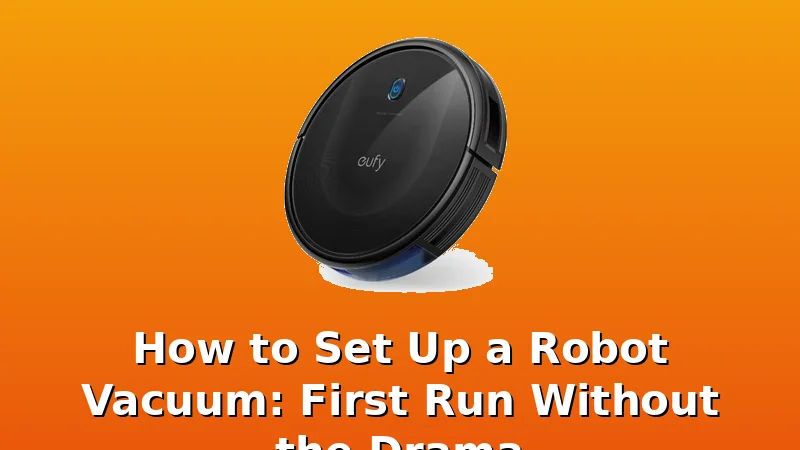
The Eufy 11S MAX is a different animal. It's super thin, at just 2.85 inches, so it slides under furniture that taller bots can't reach. But it uses random navigation, so it bounces around and re-covers the same areas. It also has no app and no no-go zones. You set the schedule on the unit itself. For $169.99, it's a solid budget pick for a small apartment, but it's not a set-and-forget bot.
The Self-Emptying Question
There's a mid-tier bot with 10000Pa suction and a 90-day self-emptying dock that's been making the rounds. I've seen the reviews, and owners love the suction and the navigation. They use the Tuya app to set no-go zones and alternate between vacuum-only and vacuum-plus-mop days. They're genuinely impressed.
But here's the thing: the self-emptying dock is not a "never touch again" solution. You still have to empty the base station bag eventually. It's 90 days, not forever. And it's not a replacement for your main vacuum. I've read that exact warning in multiple reviews, and I agree with it.
The roborock Qrevo Edge 2 is a step up from that. It has a self-emptying dock, and the navigation is genuinely better than anything I've tested. But it's also around $600, which is well above my usual range. I don't track prices day to day, so I won't pretend to know next week's. What I can say is that if you're spending that much, you already know what you want.
The Senior's Guide
One product that surprised me is the ROBOT VACUUM USER GUIDE FOR SENIORS. It's a $14.99 paperback that walks through setup step by step, with larger font and clear instructions. My mom is 72 and she's been fighting with her bot for months. I bought her this guide and she finally figured out the app.
It's not a vacuum, so it doesn't belong in a comparison with the bots themselves. But if you're buying a robot vacuum for an older relative, or you're setting one up for yourself and you're not tech-savvy, this is a useful companion. It covers the same setup steps I've described here: charging spot, floor prep, app pairing, first run.
The Bottom Line
Setting up a robot vacuum is 20% unboxing and 80% preparation. Clear the floor, find the right dock spot, and set your no-go zones before the first run. The bot will do the rest.
I've owned three bots over four years. My first was a $90 random-navigation bot that I drove around with my phone like an RC car just to finish a room. My current G8000 Max cleans systematically, finds the dock from the back bedroom, and handles Koda's husky hair without clogging. For the price, that's absurdly good.
If you're looking for a bot that just works, the Tikom G8000 Max is worth it. If you're on a tight budget, the eufy 11S MAX is a fine starter. If you want the polished feel, the roborock Qrevo S5V is worth the money. Just don't expect any of them to replace your upright. They're maintenance tools, not miracles.